Thanks to their meticulous approach, our fitness platform now offers a seamless experience across web, app, and dashboard. The real-time updates and intuitive design have truly enhanced our users' engagement and satisfaction.

Enhance your operations with cutting-edge technology. Transform processes and lead your industry with innovative solutions.

Website

Mobile, Web

Healthcare
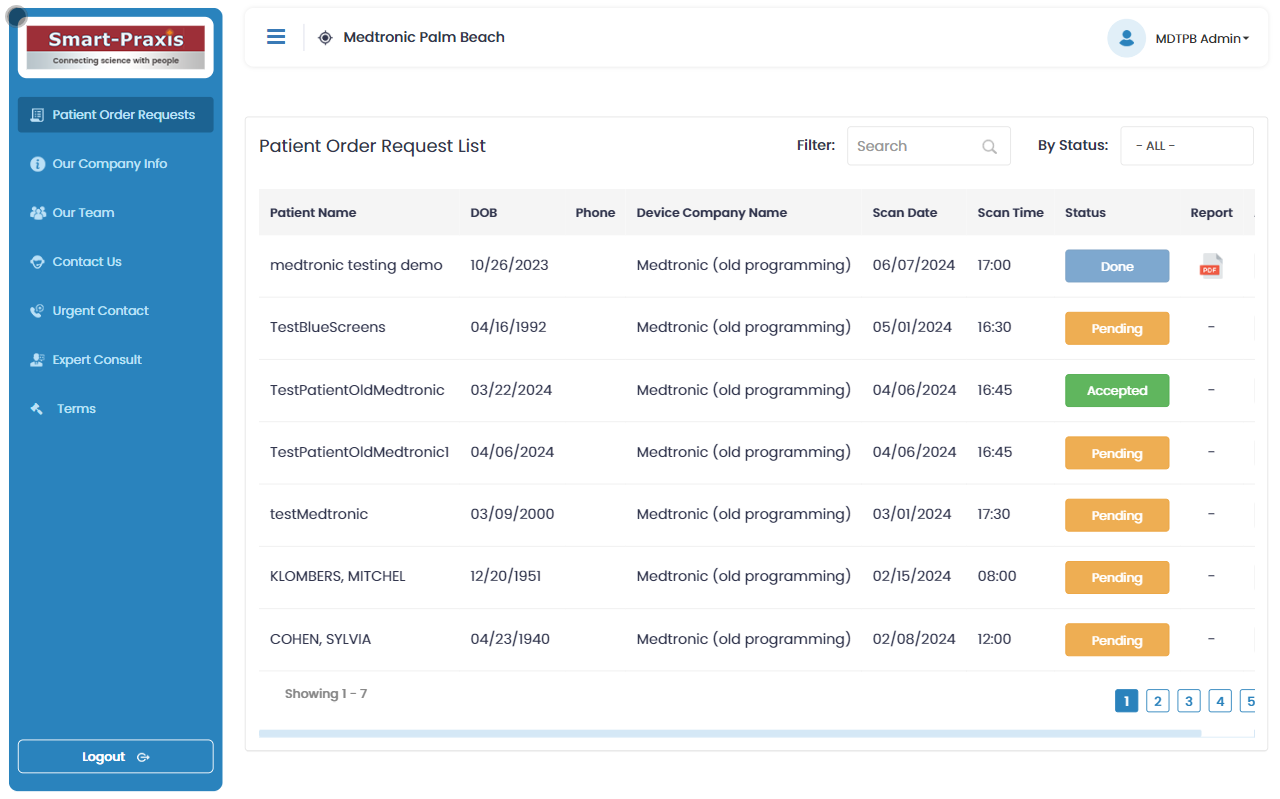
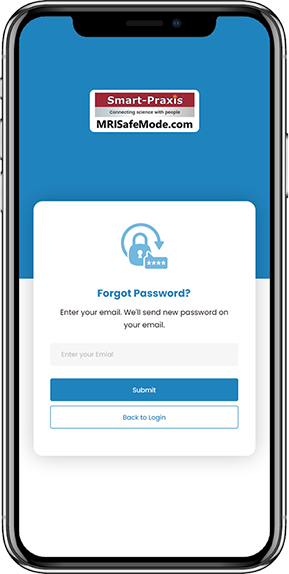
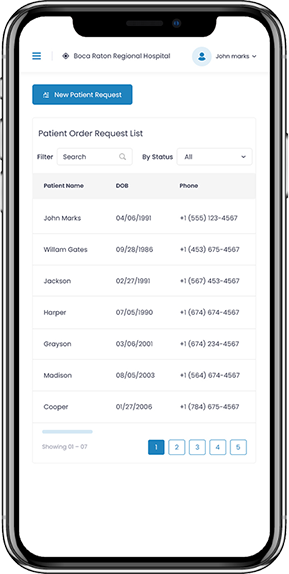
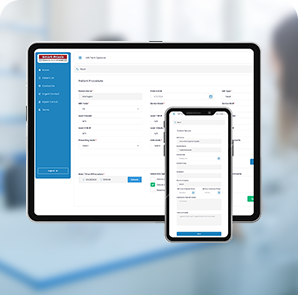
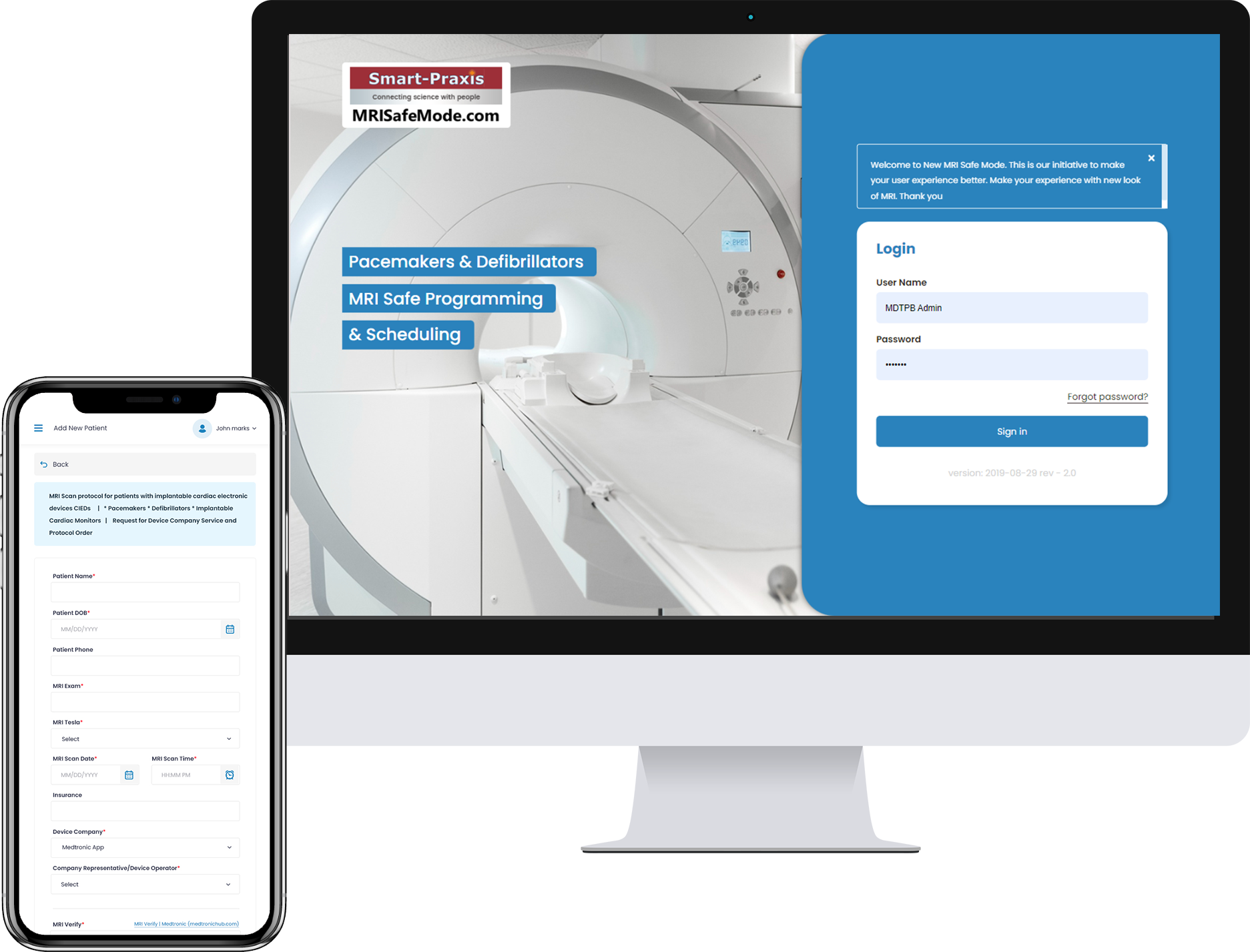
MRI Safe Mode is a cutting-edge web portal designed to prioritize patient safety during MRI scans through the use of advanced technology. The platform enhances the safety and reliability of MRI procedures while ensuring high-quality imaging. It serves various user roles, including patients, MRI technicians, device company technicians, doctors, and super admins, each with specific functionalities to ensure a seamless and secure MRI process.
As a Super Admin, start by setting up the system by creating head offices and adding hospitals under each head office.
Once the hospitals are set up, create user accounts for MRI Technicians, Device Company Technicians, and Doctors. Assign roles and permissions to ensure each user has access to the necessary features within the system.
As an MRI Technician, log in to the MRI Safe Mode portal to create and manage patient records. Enter essential patient information and ensure all details are accurate and up-to-date.
Use the scheduling feature to book MRI scan appointments for patients. You can view available time slots, select the appropriate one, and confirm the appointment.
On the day of the scan, follow the safety protocols displayed on the portal. Complete the safety checklist before proceeding with the scan to ensure all precautions are in place.
As a Device Company Technician, log in to the portal to review the list of scheduled MRI appointments. Ensure that all necessary precautions and safety protocols are being followed before the scan.
Conduct equipment checks and ensure that all devices are functioning correctly. Confirm that all safety measures are in place to minimize risks during the MRI procedure.
As a Doctor, access the MRI Safe Mode portal to review MRI scan reports. Analyze the images and data provided by the MRI Technicians, and approve the reports if they meet the necessary standards.
If needed, provide feedback to MRI Technicians or request additional scans or information before final approval.
As a patient, your MRI appointment will be scheduled by the MRI Technician. Attend the appointment as per the scheduled time, and follow the instructions provided by the MRI Technician during the scan.
After the scan, your doctor will review and approve the MRI report. You can discuss the results with your doctor to understand the findings and any recommended next steps.
Continuously monitor the use of the MRI Safe Mode portal by all user types. Ensure that the system is being used correctly and that all users are following the necessary protocols.
As the organization grows or changes, you may need to add new users or update existing user roles and permissions to reflect new responsibilities or requirements.
Implementing a secure and precise RBAC system that ensures each user type can only access the necessary functions while preventing unauthorized access.
Developing automated safety checks that are reliable and comprehensive, ensuring that all necessary precautions are followed before conducting an MRI scan.
Maintaining accurate and consistent patient records across different user roles, especially when scheduling appointments, conducting scans, and approving reports.
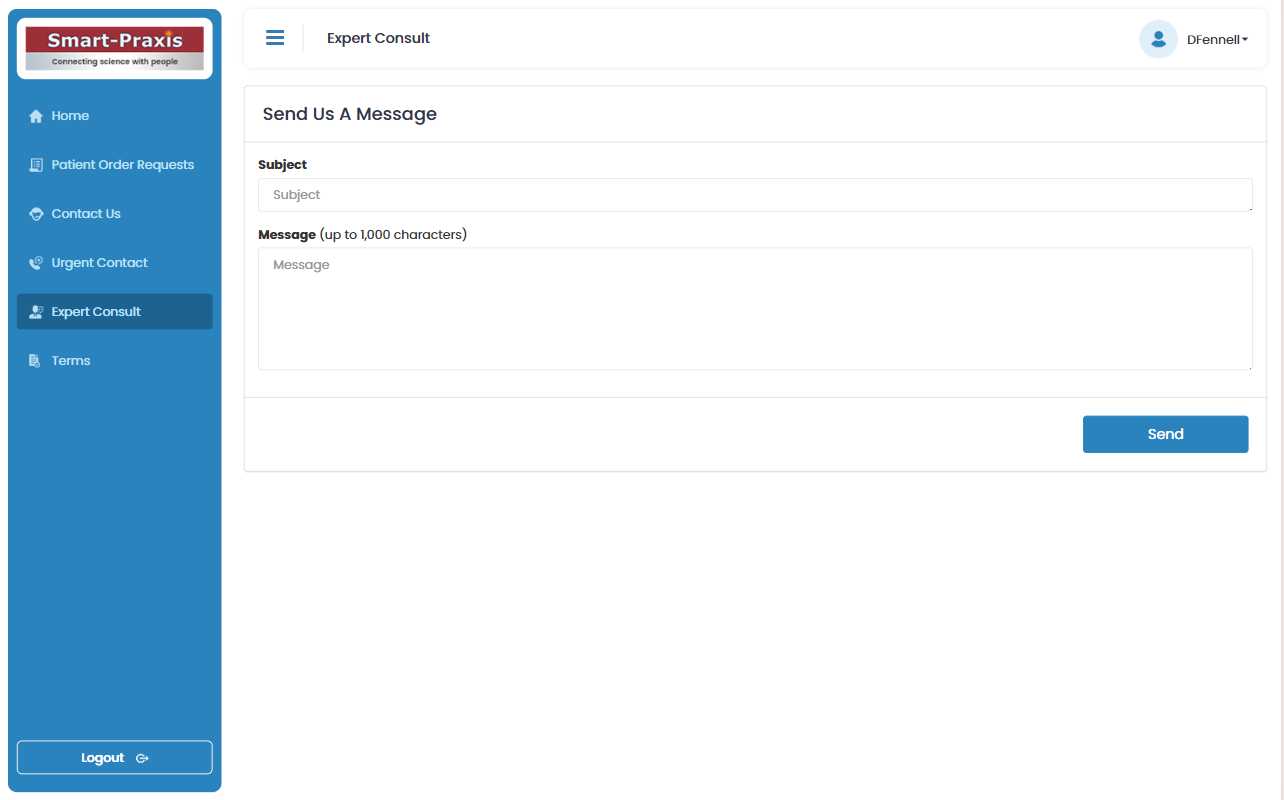
Facilitating real-time communication and coordination between MRI technicians, device company technicians, and doctors to ensure the smooth execution of MRI scans.
Utilize a well-defined RBAC framework with regular audits to ensure that access permissions are accurately configured and maintained. Implement two-factor authentication (2FA) for added security.
Develop a comprehensive safety checklist that must be completed before any MRI scan can proceed. Implement real-time alerts and notifications to guide MRI technicians and device company techs through the process.
Employ data validation techniques at each step of the process, ensuring that patient records are consistently accurate. Implement automated synchronization processes to update records in real-time across all user roles.
Integrate real-time messaging and collaboration tools within the web portal, allowing MRI technicians, device company techs, and doctors to communicate and coordinate efficiently during the scan process.
Implement compliance monitoring tools that automatically check the system against medical regulations. Provide detailed reporting features for audits and reviews, ensuring the platform remains compliant with all necessary standards.

Thanks to their meticulous approach, our fitness platform now offers a seamless experience across web, app, and dashboard. The real-time updates and intuitive design have truly enhanced our users' engagement and satisfaction.

With Clever IntelligenceIn, we achieved a flawless integration of our CRM system with our new web portal. Their strategic insights and technical prowess have streamlined our operations, making it easier for our team to manage client relationships and drive growth.

The team at Clever Intelligence brought our e-commerce vision to life with a beautifully crafted website and an integrated mobile app.